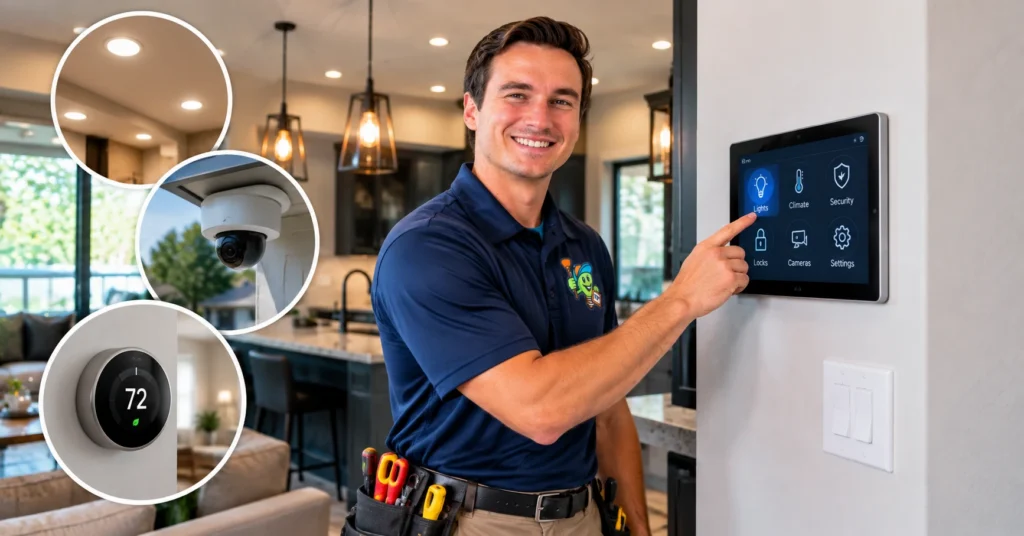
Smart home electrical upgrades can make your Kaufman, TX home easier to control, safer, and more convenient. You can automate lights, manage your thermostat, monitor security devices, control outlets, and track energy use from your phone.
Some upgrades are simple, such as replacing a regular switch with a smart switch. Others, like EV chargers, smart electrical panels, and backup power systems, may require new circuits or other electrical work.
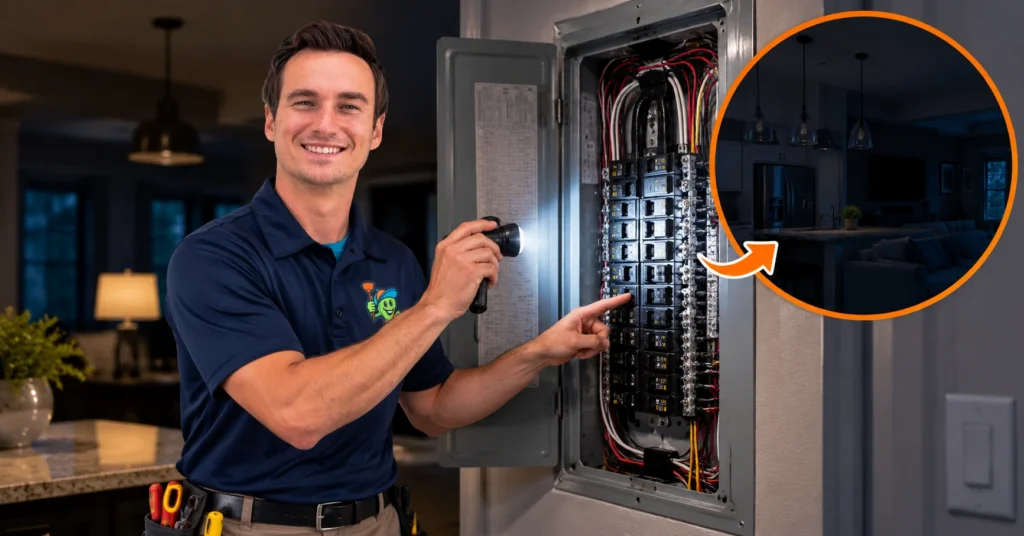
Before adding several smart devices, check whether your home’s wiring, circuits, and electrical panel can handle them. Planning the electrical work first can help you avoid compatibility issues and unnecessary changes later.
What Are Smart Home Electrical Upgrades?
Smart home electrical upgrades are changes to your home’s electrical system that let you control, automate, monitor, or protect connected devices and equipment.
Common examples include:
- Smart switches and dimmers
- Smart outlets
- Smart lighting
- Smart thermostats
- Video doorbells
- Security cameras and sensors
- Smart smoke detectors
- Whole-home surge protection
- Smart EV chargers
- Energy monitoring systems
- Smart electrical panels
- Generator monitoring systems
Some upgrades are simple. For example, you may replace an existing switch or outlet with a compatible smart model. Other upgrades can require new wiring, dedicated circuits, or changes to the electrical panel.
The right setup depends on the devices you want to install and the condition and capacity of your home’s existing electrical system.
Smart Home Electrical Upgrades to Consider in Kaufman, TX
1. Smart Lighting and Smart Switches
Smart lighting and switches let you control your lights remotely, set schedules, and automate lighting around your daily routine.
You can use them to:
- Turn lights on or off from your phone
- Set automatic schedules
- Dim compatible lights
- Use voice controls
- Turn lights on with motion sensors
- Control multiple lights together
Smart switches work well in bedrooms, living rooms, entryways, kitchens, and outdoor areas. Before installing one, check that it works with your existing wiring and light fixture. Some models also require a neutral wire.
2. Smart Outlets and USB Outlets
Smart outlets let you control compatible devices remotely, while USB outlets provide a convenient way to charge phones and other electronics.
Depending on the model, a smart outlet may let you:
- Turn devices on or off remotely
- Set schedules
- Control devices with an app
- Monitor energy use
When remodeling, place outlets where you actually use your devices, such as near desks, nightstands, kitchen counters, and entertainment centers.
Smart outlets do not increase a circuit’s capacity. High-power equipment may still need a properly sized or dedicated circuit.
3. Smart Thermostats
A smart thermostat gives you more control over your HVAC system through scheduling, remote adjustments, and automated temperature settings.
Depending on the model, you may get:
- Remote temperature control
- Heating and cooling schedules
- Temperature alerts
- Energy-use information
- Occupancy-based adjustments
- App and voice control
Not every smart thermostat is compatible with every HVAC system. Check compatibility before replacing your existing thermostat.
If your thermostat wiring is older or does not provide the connections the new thermostat needs, have a professional check the system before installation.
4. Smart Doorbells and Security Systems
Smart doorbells and security systems make it easier to monitor your home with cameras, motion alerts, sensors, and remote access.
Common options include:
- Video doorbells
- Security cameras
- Smart locks
- Motion sensors
- Door and window sensors
- Alarm systems
Some devices run on batteries, while others need continuous power.
Hardwired security devices need the right electrical connection and proper installation. If you plan to install several devices, consider their power requirements before you start.
5. Whole-Home Surge Protection
Whole-home surge protection helps protect your home’s connected electronics from certain voltage surges.
This can be useful in a home with equipment such as:
- Computers
- TVs
- Wi-Fi equipment
- Smart appliances
- Security systems
- Smart lighting
- Home entertainment equipment
A plug-in surge protector protects individual devices. A whole-home surge protection system is installed at the electrical panel to provide broader protection.
Surge protection does not prevent outages or fix electrical problems. It is an additional layer of protection for your electrical system and connected equipment.
6. Smart Smoke and Carbon Monoxide Detectors
Smart smoke and carbon monoxide detectors can send alerts to your phone and make it easier to monitor your home’s safety devices.
Depending on the system, you may receive alerts when:
- Smoke is detected
- Carbon monoxide is detected
- The battery is low
- The detector needs attention
- The device loses power
Some detectors are battery-powered, while others are hardwired.
If you replace hardwired detectors, make sure the new units are compatible with the existing wiring and interconnected system.
7. EV Charger Installation
A smart EV charger can let you schedule charging, monitor energy use, and control charging remotely.
EV chargers can place a significant load on your home’s electrical system. Before installation, have an electrician check whether your existing system can handle the additional demand.
They may check:
- Electrical panel capacity
- Available breaker space
- Circuit requirements
- Wire size
- Charger specifications
- Existing electrical load
Do not assume an existing outlet or circuit is suitable for an EV charger. The charger, circuit, wiring, and electrical panel all need to work together safely.
8. Smart Electrical Panels and Energy Monitoring
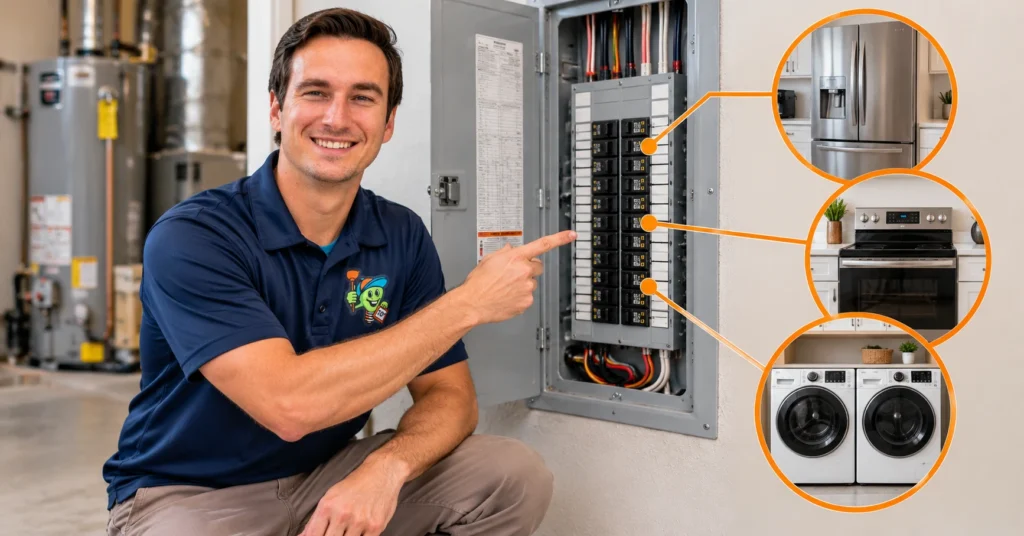
Smart electrical panels and energy monitoring systems can show you how your home uses electricity and help you manage higher electrical loads.
Depending on the system, you may be able to:
- Monitor overall energy use
- Track individual circuits
- Receive electrical alerts
- Identify high-energy equipment
- Manage certain electrical loads
- Check energy use remotely
This can be useful if your home has an EV charger, HVAC equipment, electric water heater, workshop equipment, or other high-demand systems.
A smart panel may also make sense when you already need to replace or upgrade an electrical panel.
9. Smart Ceiling Fans
Smart ceiling fans let you control fan speed, lighting, and schedules from a remote, phone, or compatible voice assistant.
Depending on the model, you may be able to:
- Adjust fan speed remotely
- Control the light
- Set schedules
- Use voice commands
- Automate fan operation
When replacing an existing fan, check that the wiring and controls are compatible with the new fan. If you are adding a fan where there was not one before, you may need new wiring and a properly rated electrical box.
10. Generator and Backup Power Integration
Smart generator systems can help you monitor backup power and manage electrical loads when the utility power goes out.
A backup power setup may include:
- A standby generator
- Automatic transfer equipment
- Generator monitoring
- Backup circuits
- Load management equipment
Generator connections should be installed with properly rated transfer and electrical equipment. An improper connection can create serious safety hazards and may send electricity back into utility lines.
If you are planning a generator, discuss your backup-power needs with an electrician before installation. This allows the electrical work to be planned around the equipment you want to run during an outage.
Do Smart Home Upgrades Require New Wiring?
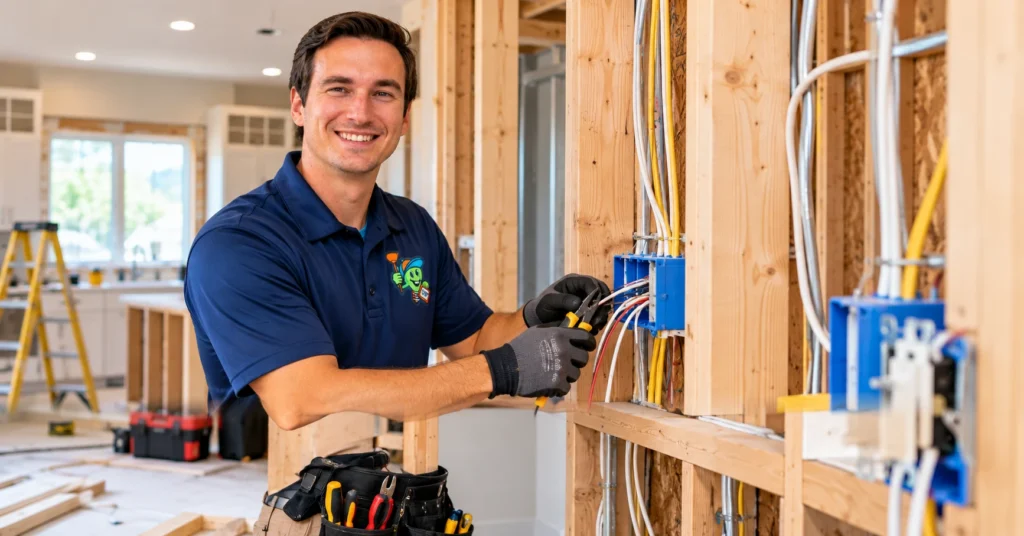
Not always. Some smart devices can use your home’s existing wiring, while others may need new wiring, a neutral wire, dedicated circuits, or other electrical changes.
For example, replacing a compatible light switch may be fairly simple. An EV charger, smart electrical panel, or hardwired security system can require more involved electrical work.
What you need depends on:
- The type of smart device
- Condition of the existing wiring
- Circuit capacity
- Electrical panel capacity
- Installation location
- Manufacturer requirements
Check the electrical requirements before buying smart devices. This helps you choose equipment that works with your home’s existing electrical system and avoid unexpected wiring changes during installation.
Can an Older Kaufman Home Support Smart Home Technology?
Yes, an older Kaufman home can usually support smart home technology, but it is a good idea to check the electrical system before adding multiple devices.
Older homes may have wiring, outlets, circuits, or electrical panels that were designed for lower electrical demand. Some smart devices may also require wiring or connections that an older system does not have.
An electrician can check:
- Condition of the wiring
- Electrical panel capacity
- Circuit capacity
- Grounding
- Electrical connections
- Available breaker space
- Existing safety devices
If you plan to add several smart devices or high-power equipment, checking the electrical system first can help you avoid compatibility issues, overloaded circuits, and unexpected electrical work.
How Much Do Smart Home Electrical Upgrades Cost in Kaufman, TX?
Smart home electrical upgrade costs in Kaufman, TX vary based on the devices you install and the electrical work your home requires. A simple smart switch may need little electrical work, while an EV charger, smart electrical panel, or backup power system can require new circuits or other upgrades.
Several factors can affect the total cost, including:
- Number of smart devices
- Type of equipment
- Condition of existing wiring
- Electrical panel capacity
- Number of new circuits needed
- Accessibility of wiring
- Installation complexity
- Required electrical repairs
- Additional panel or wiring upgrades
The most accurate way to estimate the cost is to have an electrician inspect your electrical system and review the smart upgrades you plan to install. This helps identify any electrical work needed before installation and reduces the chance of unexpected costs.
Electrical Safety Considerations for Smart Home Upgrades
Safe smart home upgrades start with choosing compatible devices and making sure your home’s electrical system can support them. A device that works in one home may not be suitable for another, especially when wiring, circuit capacity, or panel capacity differs.
Use Properly Rated Devices
Smart electrical devices should match the voltage, circuit, and electrical load they are designed to handle. Do not choose a device simply because it fits an existing outlet or switch box.
Before installation, check the device’s electrical specifications, load rating, and compatibility with your existing system.
Avoid Overloading Existing Circuits
Smart devices do not increase the amount of electrical load an existing circuit can safely handle. A smart outlet or switch still relies on the circuit behind it.
High-power equipment, such as EV chargers and some HVAC or backup-power equipment, may require dedicated circuits. Have the circuit capacity checked before adding major electrical loads.
Check Wiring and Connections
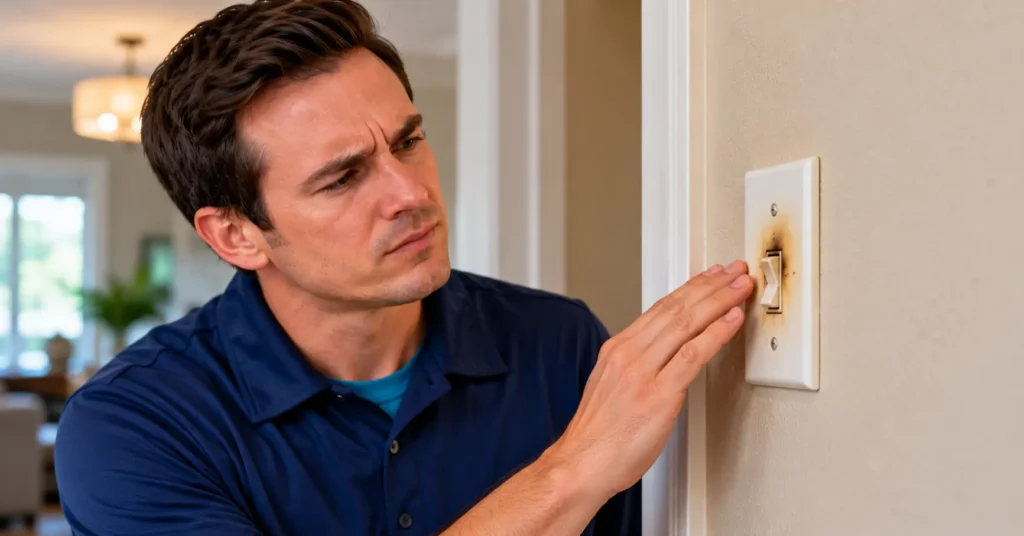
Check existing wiring and electrical connections for damage or other problems before installing new smart equipment. Loose connections, damaged wires, or other electrical issues should be addressed first.
Adding new devices to a system with existing wiring problems can make troubleshooting harder and may create additional safety concerns.
Follow Manufacturer Requirements
Follow the manufacturer’s installation and compatibility requirements for every smart electrical device. Pay close attention to:
- Voltage requirements
- Load rating
- Neutral wire requirements
- Circuit type
- Device compatibility
- Indoor or outdoor rating
- Required wiring
Following these specifications helps ensure the device works correctly with your home’s electrical system.
Use a Qualified Electrician
A qualified electrician should handle smart home upgrades that involve new wiring, circuits, electrical panels, or other complex electrical work. This is especially important for EV chargers, smart electrical panels, whole-home surge protection, generator connections, and major wiring changes.
An electrician can check the existing system, identify required upgrades, and install the equipment according to its electrical requirements.
How to Plan Smart Electrical Upgrades for Your Kaufman Home
The best way to plan smart electrical upgrades is to identify your goals, assess your existing electrical system, and account for future electrical needs before installation. Planning the upgrades together can help you choose compatible devices and avoid unnecessary electrical work.
A practical planning process includes:
- List the smart devices you want. Decide which lights, outlets, thermostats, security devices, or other equipment you want to control or monitor.
- Choose the rooms that need upgrades. Focus on areas where smart technology will provide the most useful benefits.
- Check existing outlets and switches. Make sure they are suitable for the devices you plan to install.
- Review your electrical panel capacity. Check whether the panel has enough capacity and available space for planned electrical additions.
- Consider future electrical needs. Account for equipment such as an EV charger, generator, HVAC system, or other high-demand devices you may add later.
- Have an electrician inspect the system when needed. An inspection can identify wiring, circuit, grounding, or panel issues before installation.
- Plan required wiring or circuit changes. Determine whether any devices need new wiring, dedicated circuits, or panel upgrades.
- Install and test the equipment. Confirm that each device works properly and safely after installation.
Planning smart electrical upgrades as part of one overall project can help prevent compatibility problems and reduce the need for unnecessary changes later.
Benefits of Smart Home Electrical Upgrades
Smart home electrical upgrades can make your Kaufman, TX home more convenient, connected, and easier to manage. The right upgrades can also give you more control over lighting, security, temperature, energy use, and connected equipment.
Depending on the devices you install, you may benefit from:
- Remote control: Manage compatible devices from your phone or another connected device.
- Automated lighting: Schedule lights, use motion sensors, and automate lighting based on your routine.
- Better security monitoring: Receive alerts from cameras, doorbells, locks, and sensors.
- Convenient temperature control: Adjust compatible thermostats remotely and create heating or cooling schedules.
- Energy-use information: Monitor electricity use and identify equipment that consumes more energy.
- Easier appliance management: Control compatible appliances and outlets based on schedules or daily needs.
- Added protection for electronics: Use whole-home surge protection to help protect connected equipment from certain voltage surges.
- Support for future technology: Prepare your electrical system for equipment such as EV chargers, energy monitoring, and other smart devices.
The benefits depend on the devices you choose and whether they are properly matched to your home’s wiring, circuits, and electrical capacity. Planning the upgrades together can help you build a smart home system that works reliably with your existing electrical setup.
Common Mistakes to Avoid
The most common smart home electrical mistakes involve incompatible devices, overloaded circuits, and skipping an electrical check before installation. Avoiding these problems can make your smart home upgrades safer and reduce unexpected electrical work.
Common mistakes include:
- Installing incompatible smart switches: Some switches may not work with your existing wiring, lighting system, or electrical setup.
- Ignoring neutral-wire requirements: Certain smart switches and controls need a neutral wire to operate correctly.
- Overloading existing circuits: Smart outlets and devices do not increase the amount of electrical load a circuit can safely handle.
- Adding too many devices without checking capacity: Multiple devices can increase the overall electrical demand on your home’s circuits.
- Ignoring old or damaged wiring: Existing wiring problems should be addressed before adding new electrical equipment.
- Choosing equipment without considering future needs: Plan for potential additions such as EV chargers, generators, or other high-demand equipment.
- Attempting complex electrical work without professional help: New circuits, panel upgrades, hardwired equipment, and other complex work should be handled by a qualified electrician.
Plan the electrical requirements before purchasing and installing multiple smart devices. This helps you choose compatible equipment, identify necessary electrical upgrades, and avoid unnecessary changes later.
When Should You Call an Electrician?
You should call an electrician when a smart home upgrade involves new wiring, additional circuits, electrical panel work, or changes to your existing electrical system. Professional installation can help ensure the equipment is properly connected and compatible with your home’s electrical setup.
An electrician can help with:
- Installing new electrical circuits
- Upgrading or replacing an electrical panel
- Installing an EV charger
- Installing a smart electrical panel
- Adding whole-home surge protection
- Connecting a standby or portable generator
- Modifying existing wiring
- Installing hardwired smart equipment
- Troubleshooting electrical problems
- Checking circuit and panel capacity
If you are unsure whether a smart device is compatible with your existing wiring, have an electrician in Kaufman, TX inspect the system before installation. This can help identify wiring or capacity issues before they become a problem.
Frequently Asked Questions
Do smart home devices need special wiring?
Some smart home devices need specific wiring, while others can use your home’s existing electrical connections. Requirements vary by device, so check the manufacturer’s specifications before installation.
Can I install smart switches in an older Kaufman home?
You may be able to install smart switches in an older Kaufman home, but the existing wiring must be compatible with the switch. Some models require a neutral wire or other specific connections.
Do smart switches need a neutral wire?
Some smart switches require a neutral wire, while others are designed to work without one. Check the specific switch requirements before purchasing or installing it.
Can smart home upgrades increase my electricity usage?
Smart home upgrades use some electricity, but many low-power devices consume relatively little compared with major household equipment. Smart controls may also help manage lighting, HVAC systems, and other energy use more efficiently.
Does a smart home need an electrical panel upgrade?
A smart home does not automatically need an electrical panel upgrade. An upgrade may be needed if the existing panel lacks capacity, has limited breaker space, or cannot support the equipment you plan to add.
Can I install a smart thermostat myself?
Some homeowners can replace a compatible thermostat, but the thermostat and existing wiring should be checked first. If you are unsure about the wiring or HVAC system, have a qualified professional handle the installation.
Do smart home devices need dedicated circuits?
Most low-power smart devices do not need dedicated circuits, but high-demand equipment such as EV chargers may require one. Circuit requirements depend on the device, electrical load, and manufacturer’s specifications.
How much do smart electrical upgrades cost in Kaufman, TX?
Smart electrical upgrade costs vary based on the equipment, number of devices, existing wiring, panel capacity, and installation requirements. An electrical evaluation can provide a more accurate estimate for your home.
Should I hire an electrician for smart home upgrades?
You should hire an electrician when an upgrade involves new wiring, circuits, electrical panel changes, EV chargers, generators, or other complex electrical work. Simple plug-in devices may not require electrical installation, but hardwired equipment should be installed according to its electrical requirements.
Final Thoughts
Smart home electrical upgrades can make your Kaufman, TX home more convenient, connected, and easier to manage when they are properly matched to your electrical system. Smart lighting, security devices, thermostats, EV chargers, energy monitoring, and other connected equipment can improve how you use and manage your home.
Before adding new devices, check the condition and capacity of your wiring, circuits, and electrical panel. This is especially important when installing equipment that adds significant electrical load or requires new circuits.
Planning the electrical work before installation can help you choose compatible equipment, avoid overloaded circuits, and prepare your home for future technology. For upgrades involving new wiring, circuits, panel work, or other complex electrical changes, have a qualified electrician evaluate the system first.